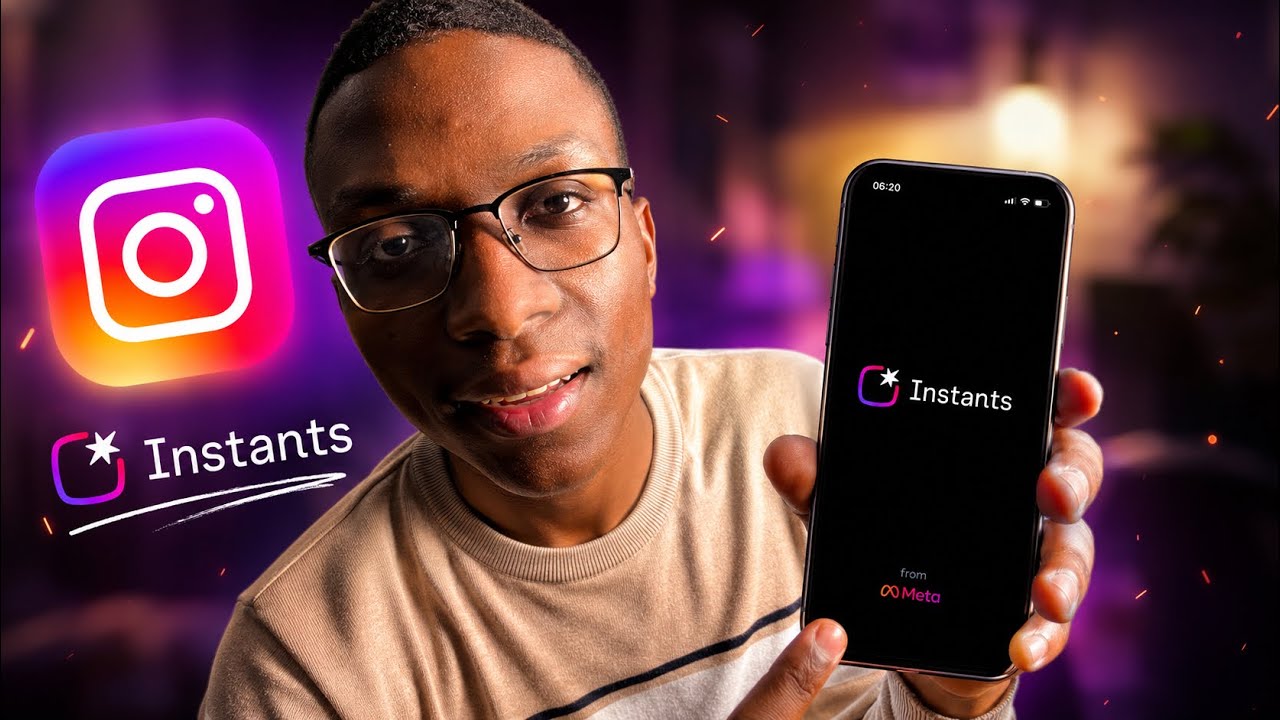
Instagram Instants is Instagram's new disappearing photo feature, launched in May 2026. It lets you share spontaneous, unedited photos with Close Friends or mutual followers directly from your Instagram DMs. Photos disappear after being viewed or after 24 hours — similar to Snapchat but built natively into Instagram. Here is everything you need to know.
What Is Instagram Instants?
Unlike Stories (which are public or semi-public and last 24 hours), Instants are sent privately through DMs. When someone sends you an Instant, you can only view it once and cannot see it again after closing it. The sender gets notified when you view it. Meta also released a standalone Instants app in select regions for faster camera access, but the feature is fully available inside the main Instagram app.
How to Send an Instagram Instant
Open Instagram and tap the Messages icon at the center of the bottom navigation bar. In your inbox, look for a small add button on the right side — this is the Instants button. If you do not see it, swipe right from your inbox and it will appear. Tap it, then tap Capture to take a photo. You can toggle between Friends or Close Friends to choose who receives it, then send.
How to Undo a Sent Instant
After sending, an Undo button appears for a few seconds. Tap it quickly to unshare the Instant before the recipient views it. Once those few seconds pass, the Instant is locked in and saved to your archives — you cannot unsend it after that window closes.
How to Delete an Instant from Your Archive
Your sent Instants are saved in your personal archive. To delete one, go to your archive, tap the Instant, and select Delete Instant. Confirm the deletion. Once deleted, it will no longer appear in your archive.
How to View and Reply to an Instant
When someone sends you an Instant, a small icon of their profile picture appears in your inbox. Swipe out on it to view the Instant. You can react or reply to it directly. Once you close the Instant, it disappears — you cannot open it again. View it carefully the first time.
Can People Screenshot Instagram Instants?
Instagram does not technically block screenshots of Instants, but the sender is notified if you take a screenshot — similar to how disappearing messages in DMs work. Keep this in mind before screenshotting someone's Instant.
How to Turn Off Instagram Instants
If you do not want to see Instants in your inbox, go to your Profile, tap the menu icon (three lines) in the top right, and open Settings. Scroll down and tap Content Preferences. Look for Hide Instants in Inbox and toggle it on. When this is enabled, you will not see any new Instants in your inbox.
This also works in reverse — if you cannot see Instants in your inbox at all, check this same setting and make sure Hide Instants in Inbox is toggled off.
Instagram Instants Not Showing — How to Fix It
If the Instants button is not appearing in your inbox, there are two common reasons:
- Instagram has not rolled out the feature to your account yet — the rollout is gradual. Try updating the app and checking again in a few days.
- Hide Instants in Inbox is turned on — go to Settings > Content Preferences and toggle it off as described above.
If neither of those applies, try logging out of Instagram and back in, or uninstall and reinstall the app to force the latest version.
The Instagram Instants Standalone App
Meta released a dedicated Instants app in select regions. You can find it by searching "Instants" on the App Store. Log in with your Instagram account and it syncs everything — your sent Instants, archives, and inbox — with the main Instagram app. The standalone app gives you a faster camera experience and a cleaner interface for Instants specifically.
Video Guide
Watch the full step-by-step tutorial below: