
Losing an iPhone is stressful, but Apple's Find My app makes it easy to track down your missing device. Here is a step-by-step guide to locating your lost iPhone.
Use Another Apple Device or iCloud.com
Open the Find My app on another Apple device or visit iCloud.com/find and log in with your Apple ID.
Locate on the Map
Select your missing iPhone from the "Devices" list. If it's online, you'll see its exact location on the map. If it's offline, you'll see its last known location.
Play a Sound or Mark as Lost
If you believe the phone is nearby, tap Play Sound. If it's truly lost, activate Mark As Lost to lock the device remotely with a passcode and display a custom message with your contact number.
Video Guide: Find iPhone at Home (Even on Silent)
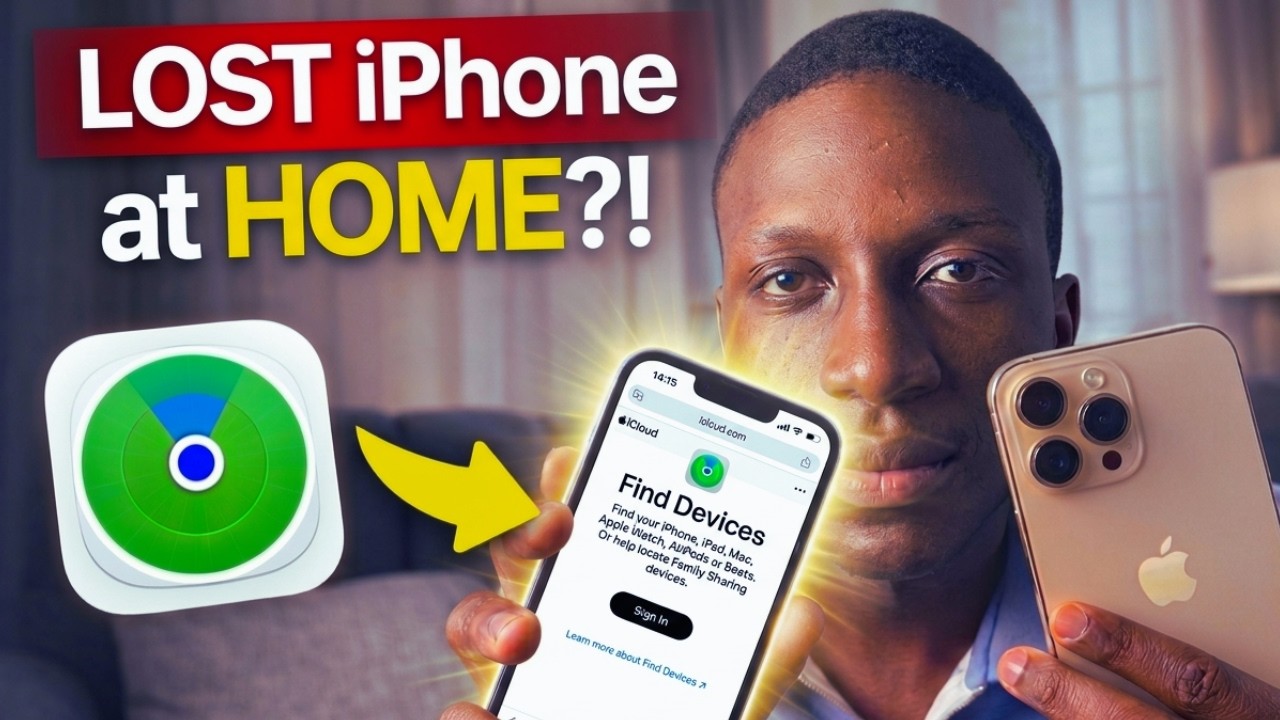
Lost your iPhone somewhere in the house? Watch this guide to locate it in seconds, even if it is on silent:
Video Guide: Find iPhone Even If It Is OFF (3 Ways)
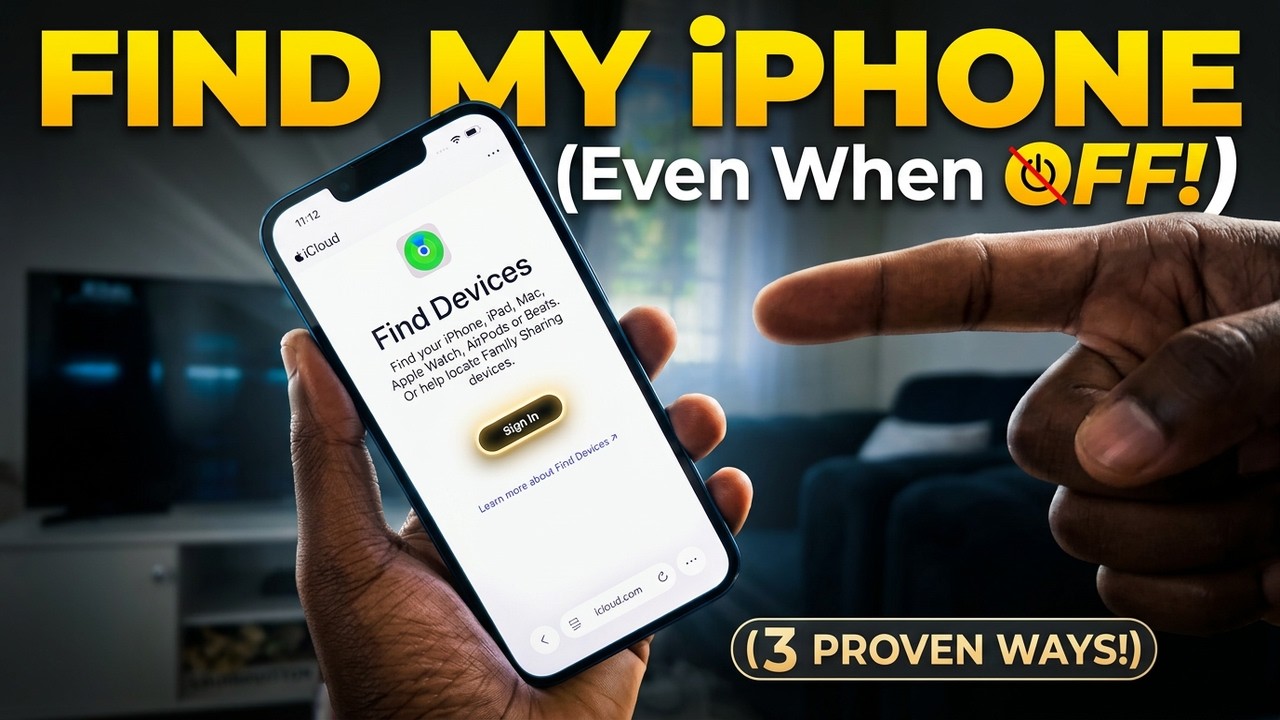
For tracking a lost or stolen iPhone that is powered off or far away, watch the full walkthrough below: