

Losing your Android phone is stressful — especially if it's been stolen or powered off. But there are several tools built into Android and Google services that can help you locate it, lock it, or even erase your data remotely. Here are 3 effective ways to track down a lost or stolen Android phone.
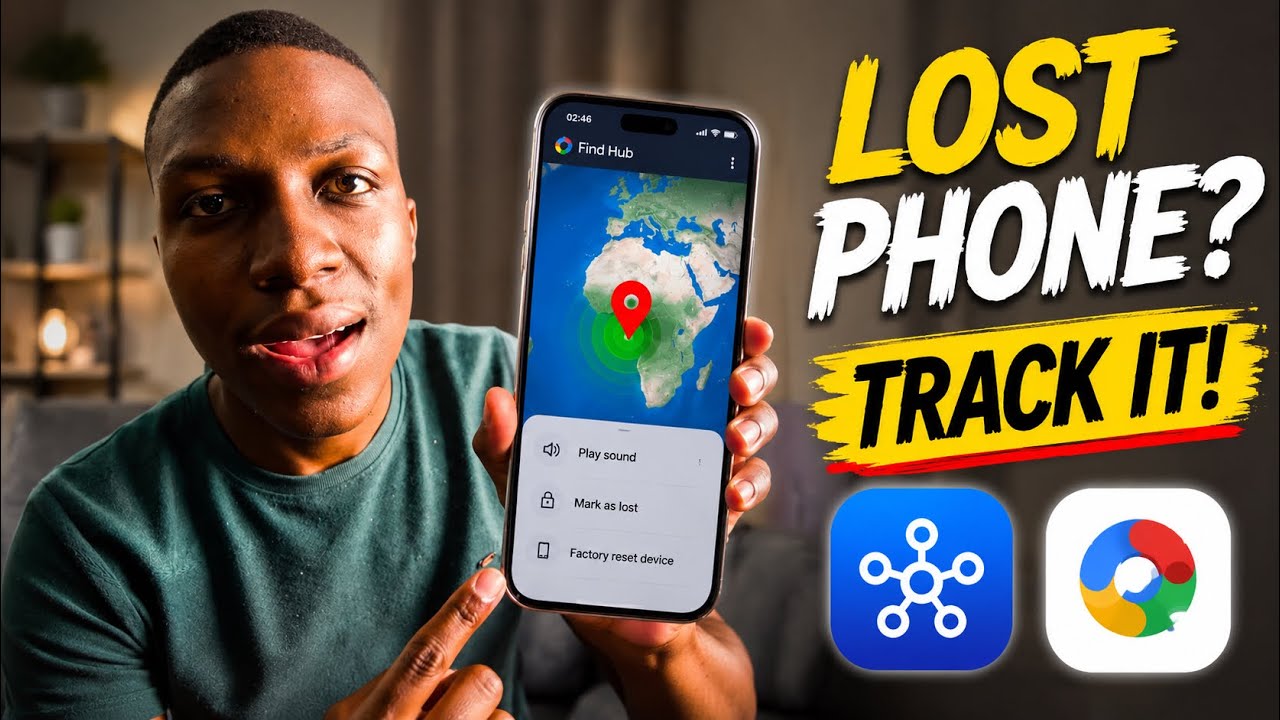
Method 1: Google Find My Device
Google's Find My Device is the most widely available option and works on virtually all Android phones signed into a Google account.
- On another device or computer, go to android.com/find or search "Find My Device" on Google.
- Sign in with the same Google account linked to your lost phone.
- Your phone's last known location will appear on the map.
- You can choose to Play Sound (even on silent), Secure Device (lock it with a message and number), or Erase Device (factory reset remotely).
Works when OFF? If the phone is off, Find My Device will show the last recorded location before it powered down. Once it turns back on and connects to the internet, the location updates automatically.
Requirements:
- Phone must have been signed into a Google account.
- Find My Device must have been enabled in Settings → Google → Find My Device.
- Location must have been turned on at some point.
Method 2: Samsung Find My Mobile (Samsung Phones Only)
If you own a Samsung Galaxy device, Samsung's own tracking service provides additional capabilities — including locating a phone that is powered off.
- Go to findmymobile.samsung.com on any browser.
- Sign in with your Samsung account.
- Select your device from the list on the left.
- Use Locate to see current or last known position on the map.
- Additional options include: Ring, Lock, Backup data, and Erase.
Offline Tracking (powered-off phones): Samsung Galaxy phones from 2021 onwards support Offline Finding via Bluetooth, similar to Apple's Find My network. Even when the phone is off, it can anonymously relay its location through nearby Samsung devices.
To enable this before you lose the phone: go to Settings → Biometrics and Security → Find My Mobile and turn on Offline finding.
Method 3: Google's Emergency Location & Last Known Location
Google introduced a Last Known Location feature that stores your phone's position just before the battery dies or location services are disabled — and shares it via Find My Device.
- Open android.com/find and sign in.
- Even if your phone shows as offline, check the timestamp on the map pin — it reflects the last recorded location.
- If the phone had battery-saving mode active, it may have sent a final location ping automatically.
Additionally, if you shared your location with a trusted contact via Google Maps Location Sharing, they may still see the last recorded position on their Google Maps app.
What To Do If You Can't Locate It
- File a police report and provide the phone's IMEI number (check your original box or receipt, or dial *#06# on the phone before it went missing).
- Contact your carrier to have them blacklist the IMEI so the phone cannot be used on any network.
- Change your Google account password immediately to prevent unauthorized access.
- Use Find My Device to remotely erase the phone if recovery looks unlikely.
How to Prepare Before You Lose Your Phone
- ✅ Always be signed in to a Google account on your Android phone.
- ✅ Enable Find My Device in Settings → Google → Find My Device.
- ✅ Keep Location Services turned on (or set to Battery Saving at minimum).
- ✅ Samsung users: enable Offline finding in Find My Mobile settings.
- ✅ Share location with a trusted contact on Google Maps as a backup.
- ✅ Note your IMEI number and store it somewhere safe.
Quick Summary
- ✅ Google Find My Device — works on all Android phones, shows last known location when off.
- ✅ Samsung Find My Mobile — works even when powered off on newer Galaxy devices with Offline finding.
- ✅ Google Maps Location Sharing — shows last shared location to trusted contacts.
- ✅ Always enable these features before you need them.
Acting fast is key. The sooner you check Find My Device after losing your phone, the more likely you are to recover it before it's powered off or factory reset.