Trending Now

Tim Cook Steps Down as Apple CEO — John Ternus Takes Over

Mufungo Geeks Logo

Mufungo Geeks

Tech News & Reviews

Home

Blog

How-To

Videos

New

Applications

EN

📚

TutorialsiPhone

How to Delete Safari History on iPhone

Clear your Safari browsing history on iPhone in seconds — remove all history or just specific sites, privately and quickly.

Tawanda Muzavazi

Tutorial Author

April 22, 2026

-735 minutes ago

Share this article

Spread the knowledge with your network

How to Delete Safari History on iPhone

Whether you are protecting your privacy or just cleaning up your browser, deleting your Safari history on iPhone is quick and straightforward. Here are all the ways to do it.

Method 1: Clear All Safari History at Once

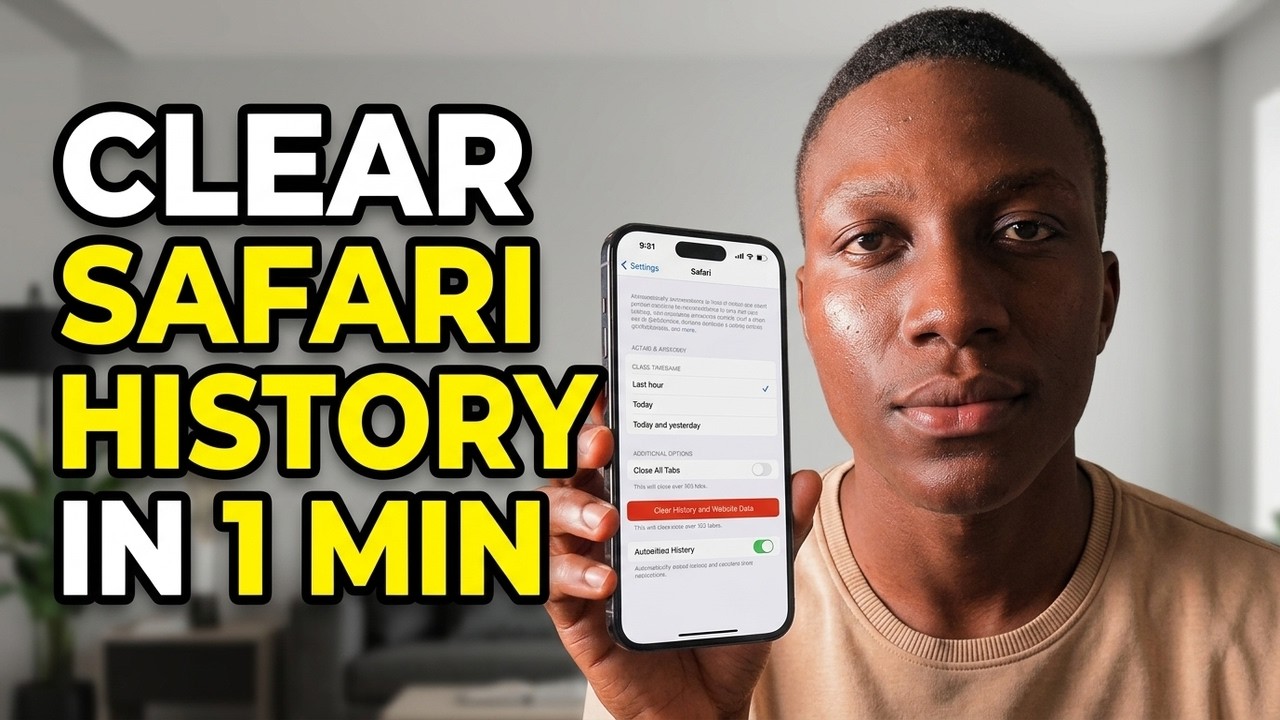
Go to Settings > Apps > Safari. Scroll down and tap Clear History and Website Data. Choose a time range — Last Hour, Today, Today and Yesterday, or All History — then tap Clear History to confirm. This removes browsing history, cookies, and cached data from Safari.

Method 2: Delete History Directly from Safari

Open Safari and tap the book icon at the bottom of the screen. Select the clock icon to open your History view. Tap Clear at the bottom right, choose your preferred time range, and confirm. This is the fastest way if you are already inside the browser.

Method 3: Delete Specific Sites Only

In Safari, tap the book icon, then the clock icon to view History. Swipe left on any individual entry and tap Delete to remove just that site without clearing everything else.

Method 4: Use Private Browsing to Avoid Saving History

To stop Safari from saving history going forward, open Safari and long-press the tabs icon (two overlapping squares). Select New Private Tab. Anything you browse in Private mode is never saved to your history.

Video Guide

Watch the full step-by-step tutorial below:
Related Topics

Explore more content in these categories

#iPhone#Safari#Privacy#iOS#Tips

More Guides

Continue your learning journey

How to Turn Do Not Disturb ON or OFF on iPhone
Tutorials

How to Turn Do Not Disturb ON or OFF on iPhone

Learn how to quickly enable or disable Do Not Disturb on your iPhone to silence calls, alerts, and notifications.

3 min read

Read guide

How to Find Lost iPhone Using Find My App: Complete Guide
Tutorials

How to Find Lost iPhone Using Find My App: Complete Guide

Learn step-by-step how to track, lock, and recover your missing iPhone using Apple's Find My app network.

5 min read

Read guide

How to Turn Off Read Receipts on iPhone
Apple

How to Turn Off Read Receipts on iPhone

Complete guide to disabling read receipts in iMessage on iPhone. Control your privacy and stop people from knowing when you've read their messages.

5 min read

Read guide

Mufungo Geeks

Your trusted source for tech news, reviews, and tutorials. Stay ahead in the world of technology.

Categories


© 2026 Mufungo Geeks. All rights reserved.

Made with ❤️ for everyone worldwide